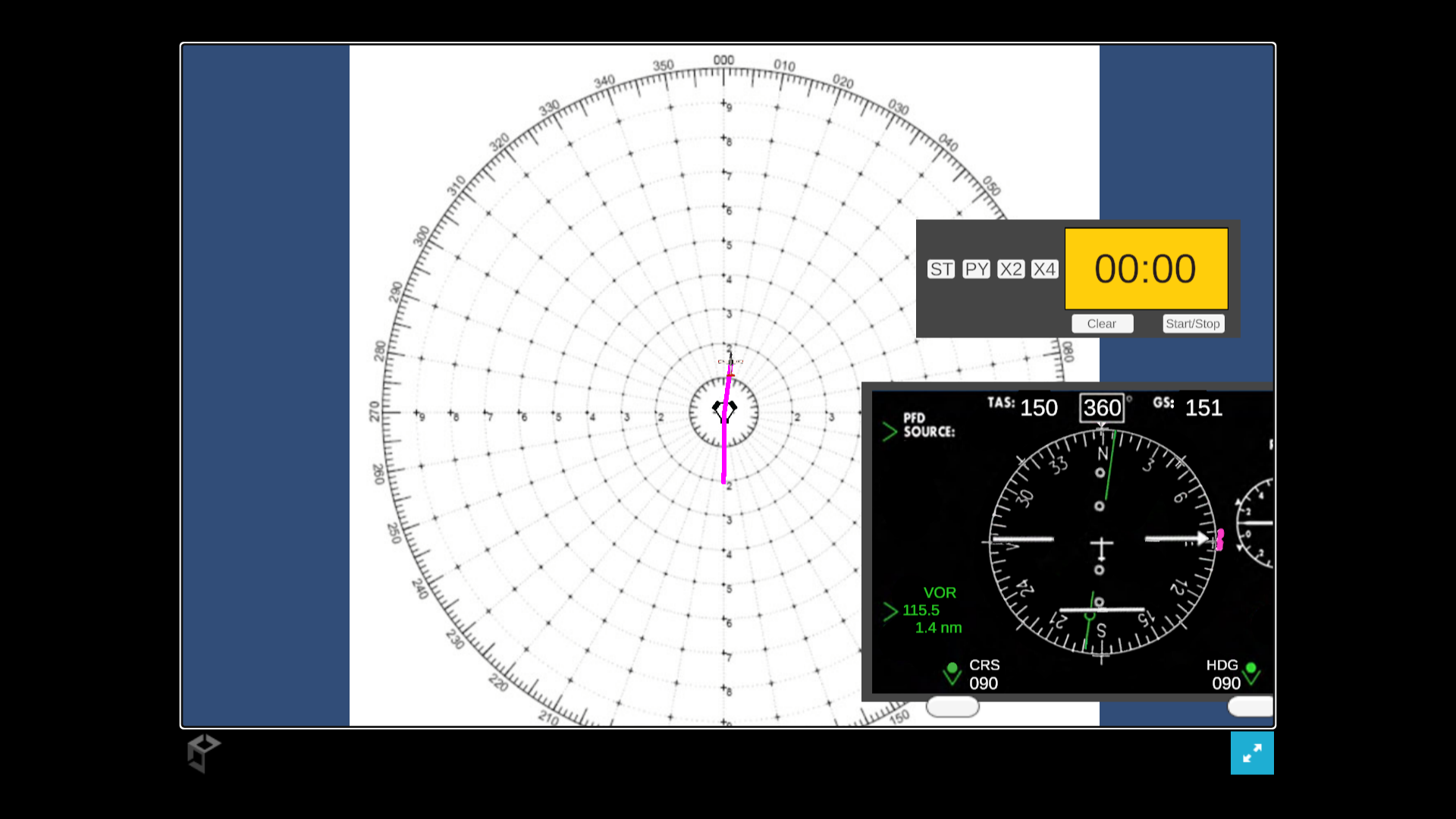
Digital Blue Box
Click and Drag to Move Instruments and Aircraft
Pan camera by moving mouse to the edge or using the arrow keys
Space - Recenters the camera
Esc - Pause Menu - Options can control winds and starting position
A - Turn Left - Standard Rate, works while dragging
D - Turn Right - Standard Rate Turn, works while dragging
W - Accelerate
S - Decelerate
C - CDI Needle - Enter 3 Digit Heading then press enter
H - Heading Bug - Enter 3 Digit Heading then press enter
T - Timer - Tap to Start/Stop and Hold to reset
N - Tune Navaid - Enter frequency including decimal then hit enter
M - Toggle Instruments - Hides and shows instruments
X - Clear Trail - Resets the trail left by the aircraft
Q - Half Standard Rate Left
E - Half Standard Rate Right
Download
Install instructions
Download the PC Version Digital_Blue_Box1.2A. Unzip the file and run the unity application.
Development log
- 1.2 ReleaseJul 01, 2025
Leave a comment
Log in with itch.io to leave a comment.